
Whirrik
Use your Mac from your iPhone, iPad
or another Mac — just whirrik.
Sign in with Apple and connect from anywhere.
Install the Mac app on your Mac and the App Store app on the device you carry
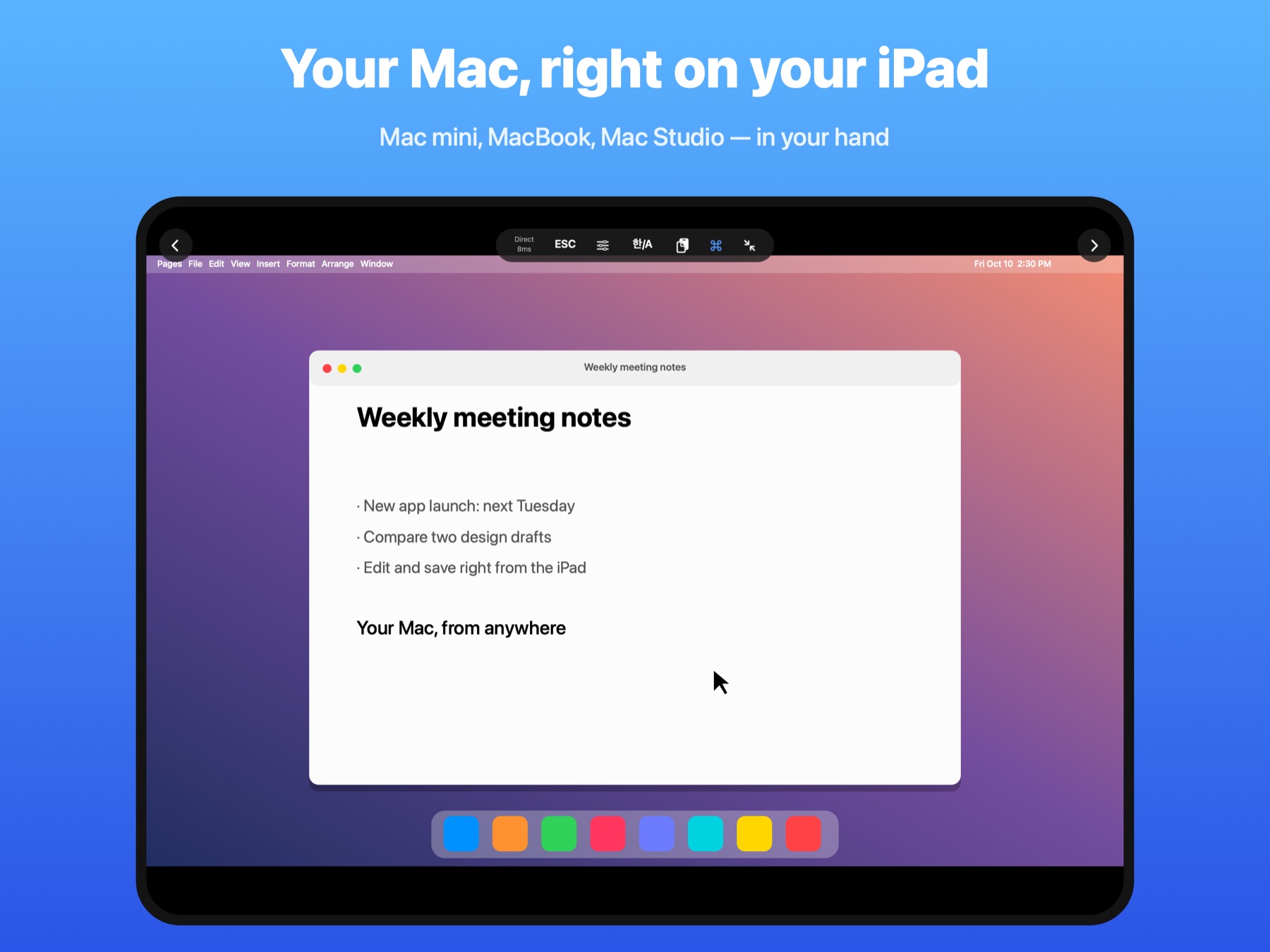
Typing that feels like the Mac
Your keys, composed by the Mac itself
With a keyboard on your iPad or another Mac, keys are sent as-is and the Mac's own input method composes them — Korean, Japanese and more, just like sitting at the Mac.
Text you're composing on the iPhone keyboard is previewed and sent once it's complete, so nothing arrives half-composed.
Caps Lock, the language key or right ⌘ switch the Mac's input source. The A/한 button on the top bar works too.
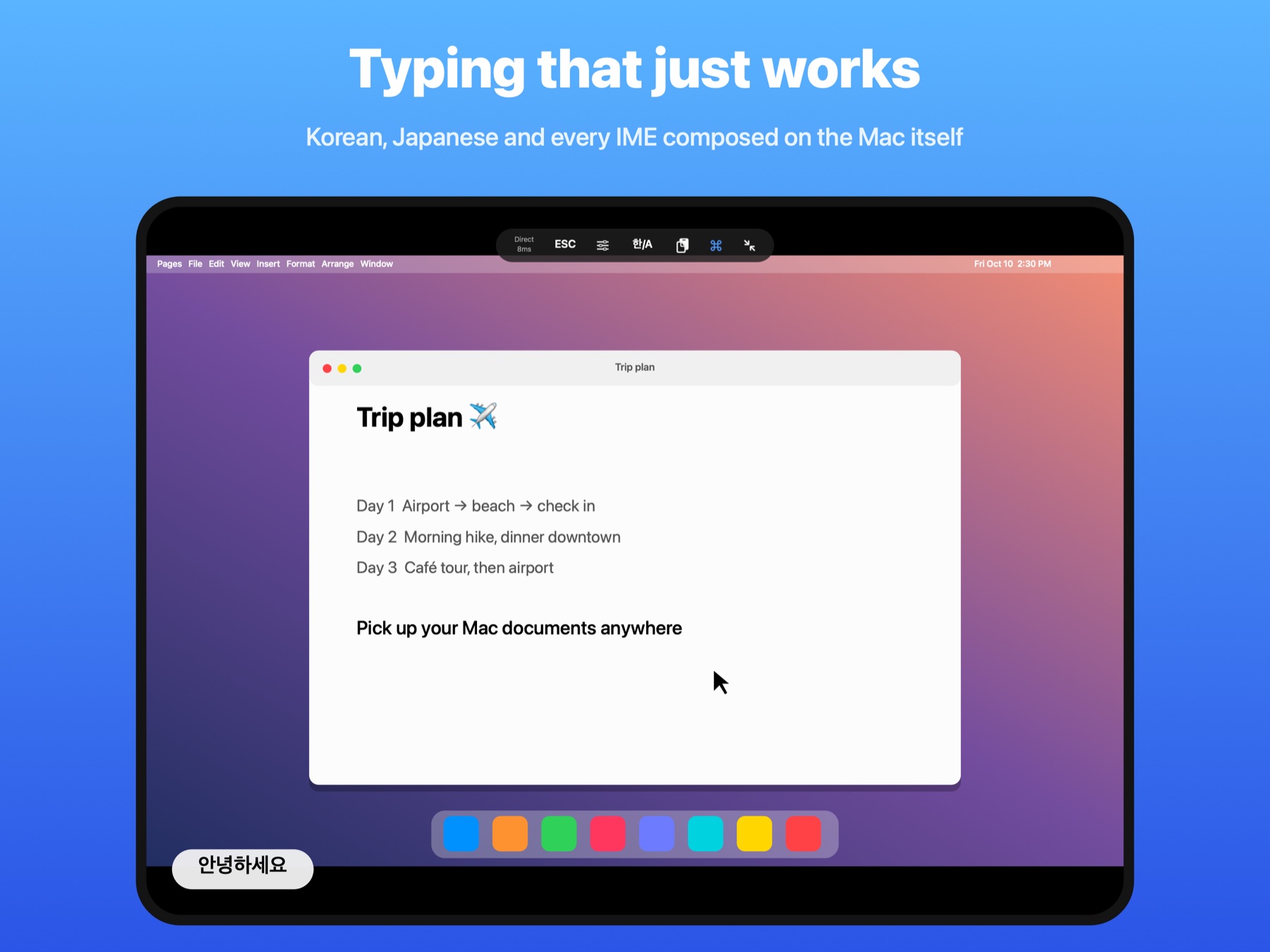
Anywhere, with one Apple sign-in
No IP addresses, no router settings, no pairing codes to copy
Macs signed in with the same Apple ID show up in the list
Mac and device connect straight away
If direct fails, the devices punch a path
On networks where neither works, a relay carries it
On the same Wi-Fi it connects to the nearby Mac directly
Locked with keys only your devices hold.
Even through a relay, the server can't see the content.
Details for using a Mac in your hand
So you can keep working on a small screen
| Pinch to zoom | Zoom into small text and move around while zoomed — the view follows where you type |
| Touch or trackpad mode | Tap where you want to click, or use the screen like a MacBook trackpad |
| Fitted Display | Adds a monitor the size of your iPad to the Mac — great for a Mac mini without a screen |
| Single Window | Show just one app window, full screen |
| Mac sound on your device | Hear the Mac on your iPhone or iPad while the Mac stays quiet |
| Shared clipboard | Copy on one side, paste on the other |
| Copy text from screen | Grab the Mac's screen at full resolution and copy any text, even inside images |
| Task notifications | Get notified on your iPhone when a long render or export on your Mac finishes |
| Slow networks | Quality adapts automatically so motion stays responsive |
Pricing
Not a subscription. Try every feature for the first 7 days
| First 7 days | Every Pro feature below, unlocked |
| After that | Connecting to one Mac on the same Wi-Fi keeps working |
| Whirrik Pro $7.99 one-time purchase | Connect from anywhere · Fitted Display (extra monitor) · Single Window · Hide Mac screen · Multiple Macs · Copy text from screen · Task notifications |
| Buy once | Bought on iPhone, iPad or Mac, it's the same Pro. Every Mac, iPhone and iPad signed in with the same Apple ID unlocks |
On a Mac, from the SeoriArts store · on iPhone or iPad, inside the Whirrik app (from 1.2) · prices vary by region
Getting started
Sign in once on the Mac, once on the device
- Install Whirrik on your Macinstaller — drag Whirrik into Applications · macOS 15 or later
- Sign in with Apple on the MacIn the Whirrik window (menu bar Whirrik → Open Whirrik)
- Allow Screen Recording · AccessibilityNeeded to send the screen and to type and click on the Mac
- Install Whirrik on iPhone or iPadGet it on the App Store and sign in with the same Apple ID
- Tap your Mac in the list to connectFrom another Mac, sign in with the same Mac app
An app I use every day
Made by someone who uses it every day,
polished down to every keystroke and every cursor step.
FAQ
Do I need to install anything on the Mac?
Yes. The Mac app sends the screen and receives input.
The same Mac app also connects to other Macs.
Why Screen Recording and Accessibility?
Screen Recording sends the Mac's screen; Accessibility lets your keys and clicks reach the Mac.
Without either, you won't see the screen or be able to control it.
My Mac isn't in the list
Make sure the Mac and the device are signed in with the same Apple ID,
and that Whirrik is running on the Mac (its icon is in the menu bar).
It's sometimes slow away from home
On networks where a direct connection isn't possible, the connection goes through a relay and can be slower.
Whirrik lowers quality to keep motion responsive.
Can the server see my screen?
No. Screen, sound, input and clipboard are encrypted so only your devices can open them.
The server only helps your devices find each other. See the privacy policy.
I need help
Visit the support page or write to help@seoriarts.com.